
Start streaming from a phone
Use a smartphone as the camera source and switch between front and rear cameras when needed.
NEWBLET CCTV
Newblet CCTV lets you use a smartphone, old phone, or spare phone as a live camera and watch it remotely in the browser. It supports password-protected rooms, link sharing, and low-latency P2P streaming.
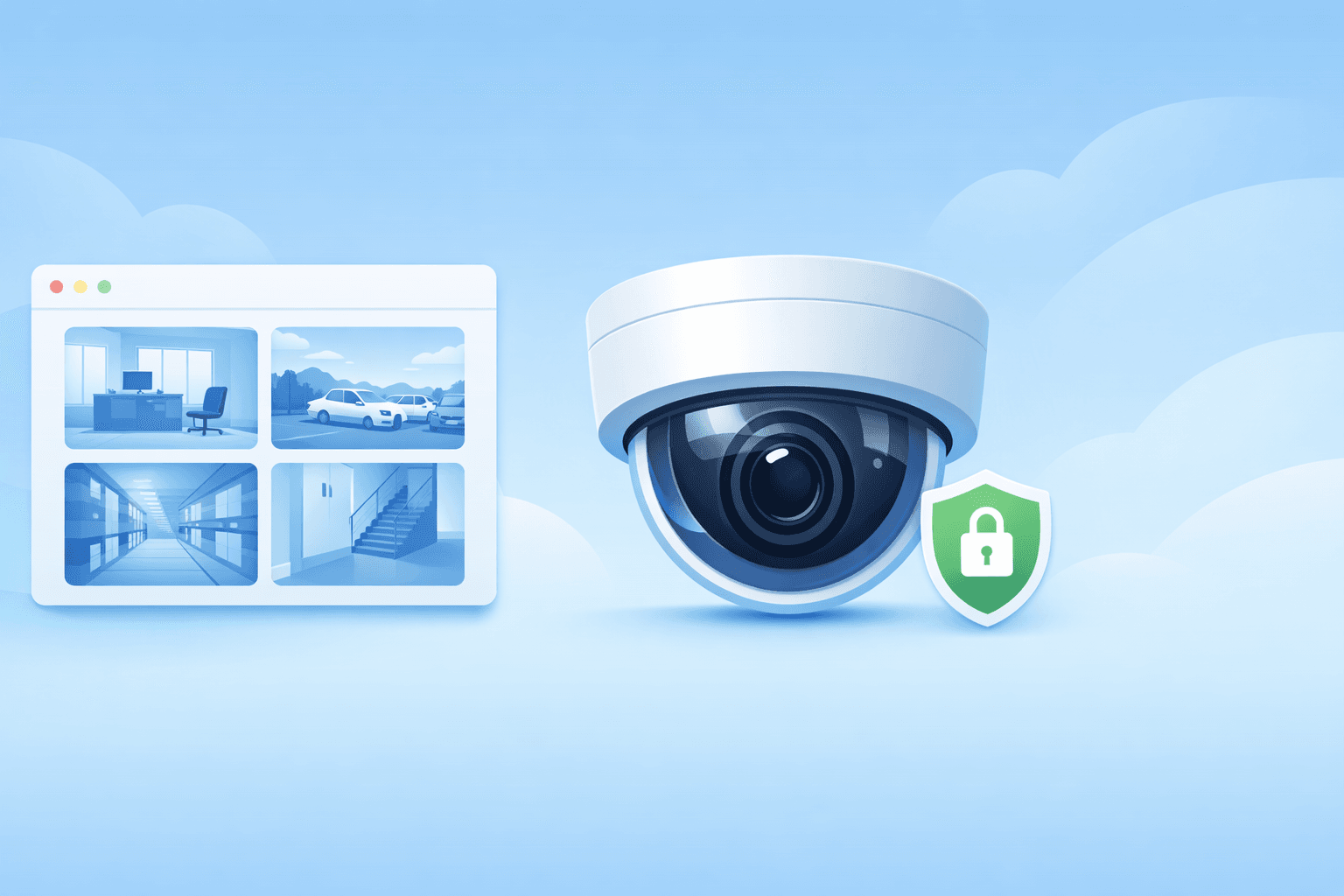
Instead of setting up a full surveillance system, you can place a phone where you need it, start a secure room, and open the live feed from another device. Old phones and spare phones work well for this, and the stream prefers direct P2P delivery when possible.
Why teams choose it
Fast to launch, simple to share, easy to monitor
If you need to turn a phone into a temporary camera quickly, Newblet CCTV keeps setup simple and lets viewers open the stream in any browser.
Use a smartphone as the camera source and switch between front and rear cameras when needed.
Open the shared link in a browser and watch the live camera remotely without installing another app.
Connections try direct peer-to-peer delivery first for lower latency and better efficiency.
View up to four live camera channels in one screen and focus on one feed when needed.
Each room is protected with a password to make temporary CCTV sharing safer.
The service is designed for live transmission and does not store streaming packets on the server.
Yes. You can use a phone as the camera, start streaming in the browser, and let viewers watch through a shared link.
Yes. If the old phone still has a working camera and browser, you can leave it plugged in and use it for temporary or fixed monitoring.
Yes. A spare phone or unused phone can stay plugged in as the camera while viewers open the live feed from another device.
No. Viewers can open the shared link in a browser, so watching the live feed stays simple.
Yes. It tries direct peer-to-peer delivery first and falls back to TURN relay only when direct connectivity is difficult.
Yes. Viewers can watch up to four live camera channels in one screen and switch focus to a single channel when needed.
Rooms are password-protected, signaling can run over HTTPS/TLS, and WebRTC media uses encrypted transport.